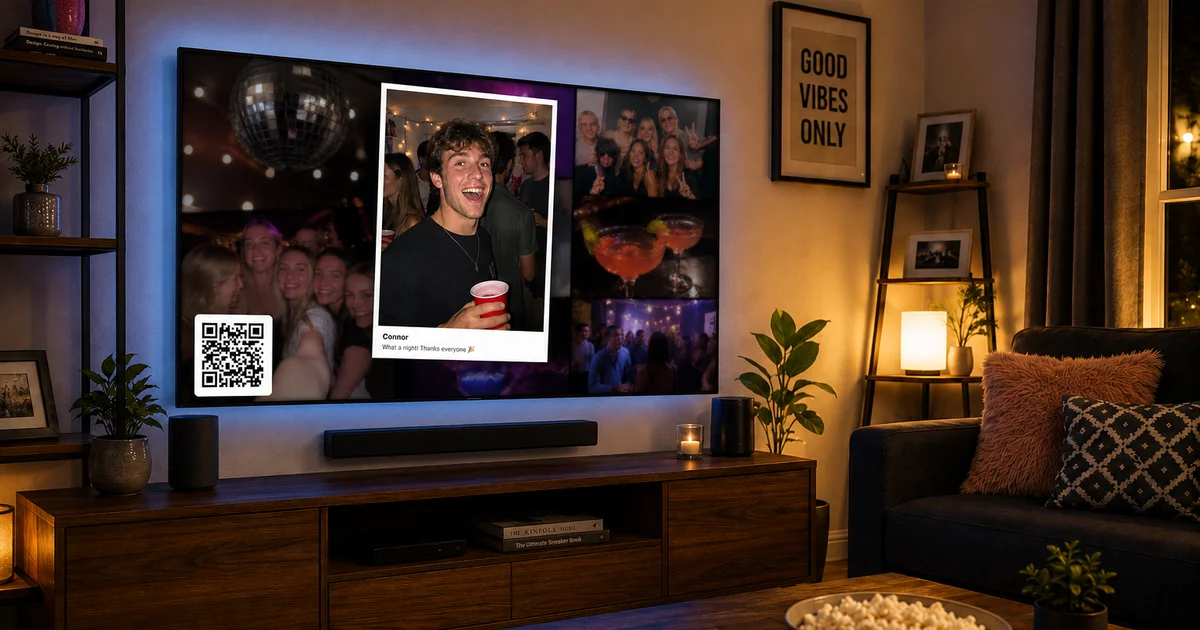
Why Disable the Screen Saver on Your Amazon Fire Stick?
The Amazon Fire Stick is a fantastic device for streaming a plethora of content right to your television. However, its default screen saver can become a nuisance, especially when you're using apps like Live Party Photos to stream and display photos continuously during events. By disabling the screen saver, you can ensure uninterrupted viewing, making it perfect for occasions where you want content visible at all times.
Step-by-Step Guide to Disable the Screen Saver
Access the Settings Menu
To begin, navigate to the main menu of your Amazon Fire Stick. Using your remote, scroll to the top of the screen and select the ‘Settings’ option. This is where you can manage the various features and functionalities of your device.
Open Display & Sounds
Once in the Settings menu, scroll to and select ‘Display & Sounds’ (or 'Display & Audio'). This section allows you to modify how your device looks and sounds, which includes managing the screen saver.
Choose Screen Saver Settings
Here, you will see a variety of options related to how and when your screen saver activates.
Turn Off the Screen Saver
To disable the screen saver entirely, select ‘Start Time’. Change this setting to ‘Never’, ensuring that the screen saver will not interrupt your viewing experience. Additionally, you can choose to set ‘Slide Style’ to ‘None’, further ensuring no screen saver interruption.
Benefits of Disabling the Screen Saver
By keeping the screen saver off, you guarantee continuous display of your slideshows, especially useful during events. This setup is ideal for showcasing photos using Live Party Photos, allowing guests to enjoy live updates without disruption. Try Live Party Photos free and keep your photo streams flawless at your next gathering.
Finetune for Your Needs
While disabling the screen saver is effective, remember you can easily re-enable it for everyday use if needed. Keep in mind that an always-on screen could result in slight image retention, so manage settings according to usage.
Set up your first album in minutes at livepartyphotos.com and complement your Fire Stick photo display with the seamless integration.
Conclusion
Disabling the screen saver on your Amazon Fire Stick is a straightforward process with major benefits for live displays at events. Whether it's a corporate gathering or a cosy wedding, uninterrupted viewing adds that extra spark to your slideshow presentations. Ensure your setup is perfect - visit livepartyphotos.com today and explore all possibilities.